01
Start your day with the visual brief
Before production starts, the page lays out the objective, channel, references, and missing decisions, so the team knows exactly what to create first.
The studio keeps briefs, prompts, references, images, and review notes in one calm workflow, so rough direction becomes polished campaign assets without losing context.
01
Before production starts, the page lays out the objective, channel, references, and missing decisions, so the team knows exactly what to create first.
02
As the prompt develops, the studio helps surface better framing, clearer copy blocks, stronger aspect ratios, and useful reference images for the next version.
03
Ask once and keep the answer next to the canvas. The chatgpt image 2 loop helps teams turn scattered notes into specific visual choices and reusable production language.
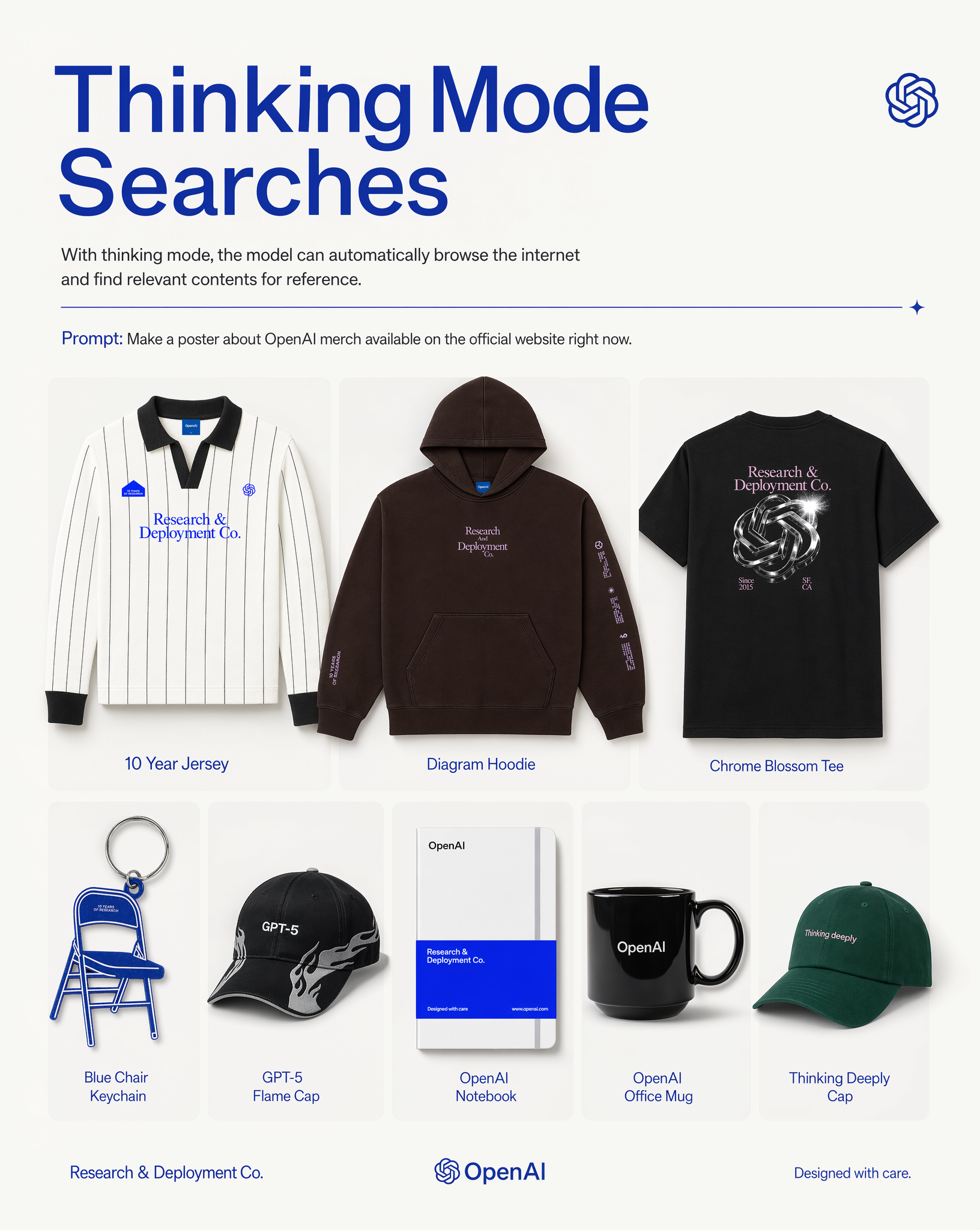
Image Studio
The live generator remains the heart of this page: write a prompt, add references, choose a format, and create production artwork directly from the landing page.
Discover creations published by GPT Image 2 users.
A campaign brief becomes a visual starting point: audience, channel, reference images, copy blocks, and delivery constraints all stay visible before a single asset is generated.
Instead of guessing what to change next, teams can compare clearer prompts, more specific style direction, alternate crops, and stronger hierarchy without resetting the project.
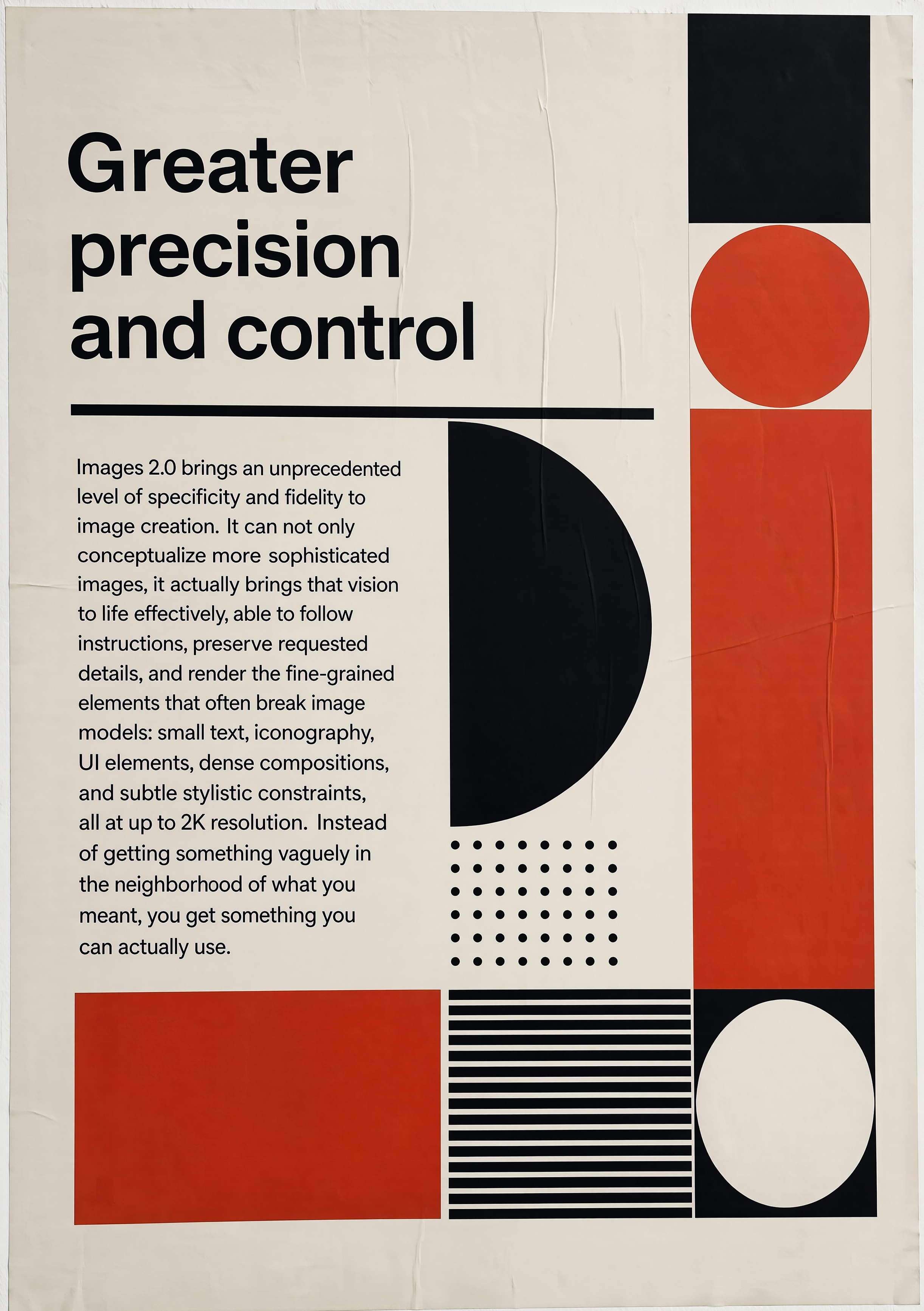
The chatgpt image 2 workflow is useful when image generation depends on research, product details, or multilingual copy. The page keeps the objective close to the canvas so every output has a reason.
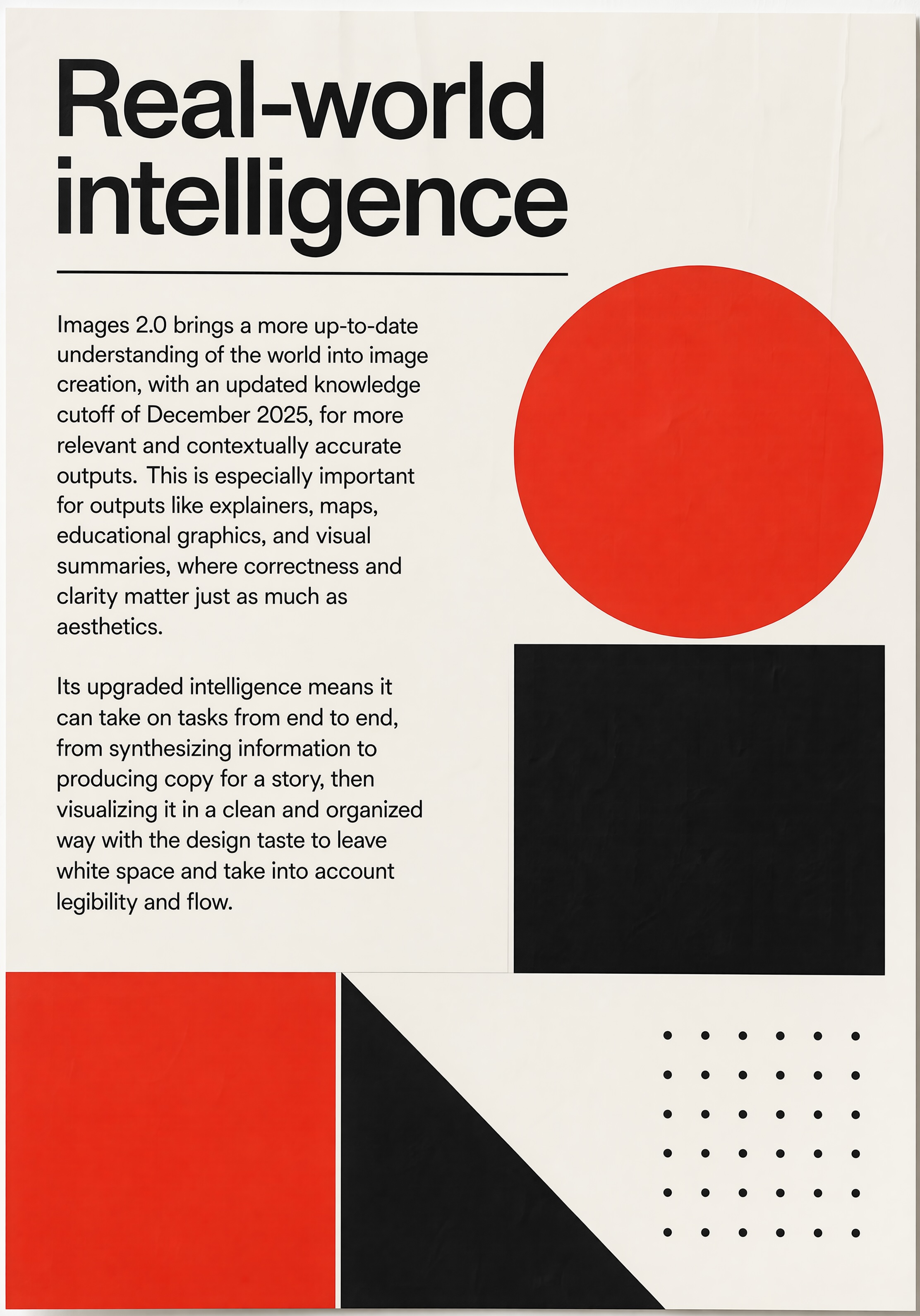
A weekly visual report can show which directions worked, which prompts produced usable results, and which assets are ready for web, social, email, or paid creative.
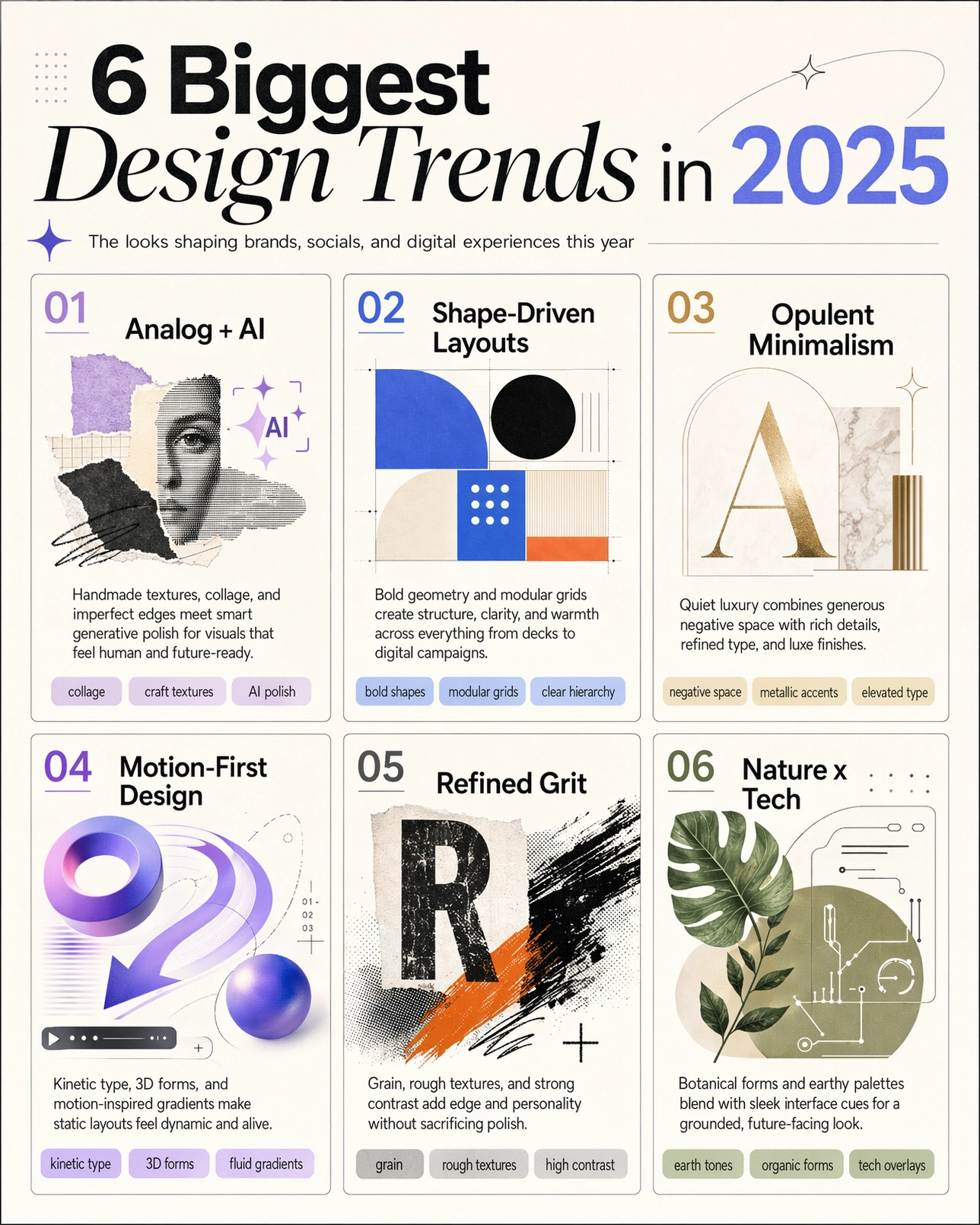
Teams can separate launch, education, commerce, and creator work with different ratios and reference styles. GPT Image 2 keeps the same idea coherent across banners, squares, and vertical story assets.
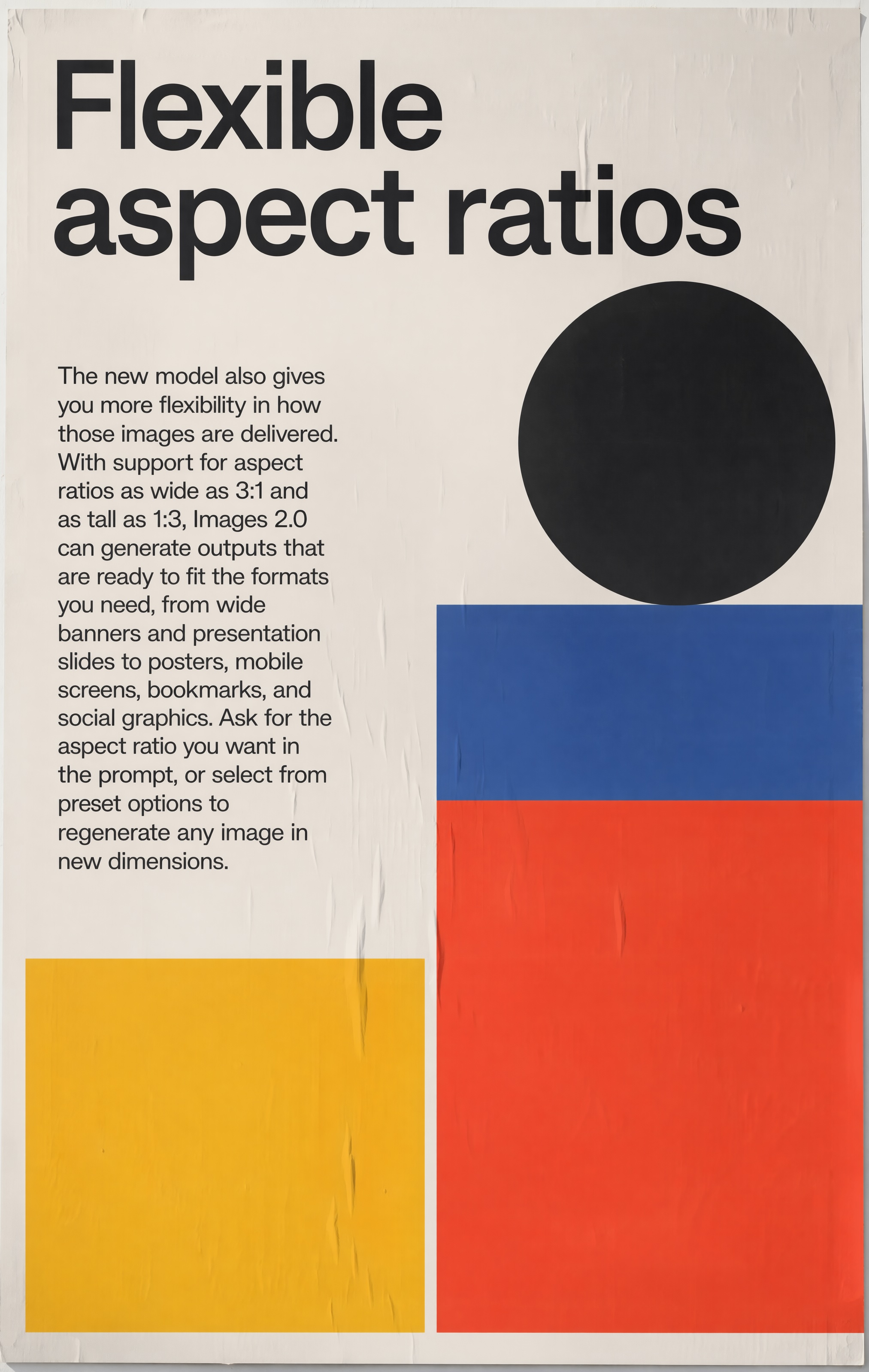
Most launches need a set, not one image. With gpt-image-2 workflows, a hero visual, supporting cards, localized versions, and review-ready variants can stay connected as one visual system.
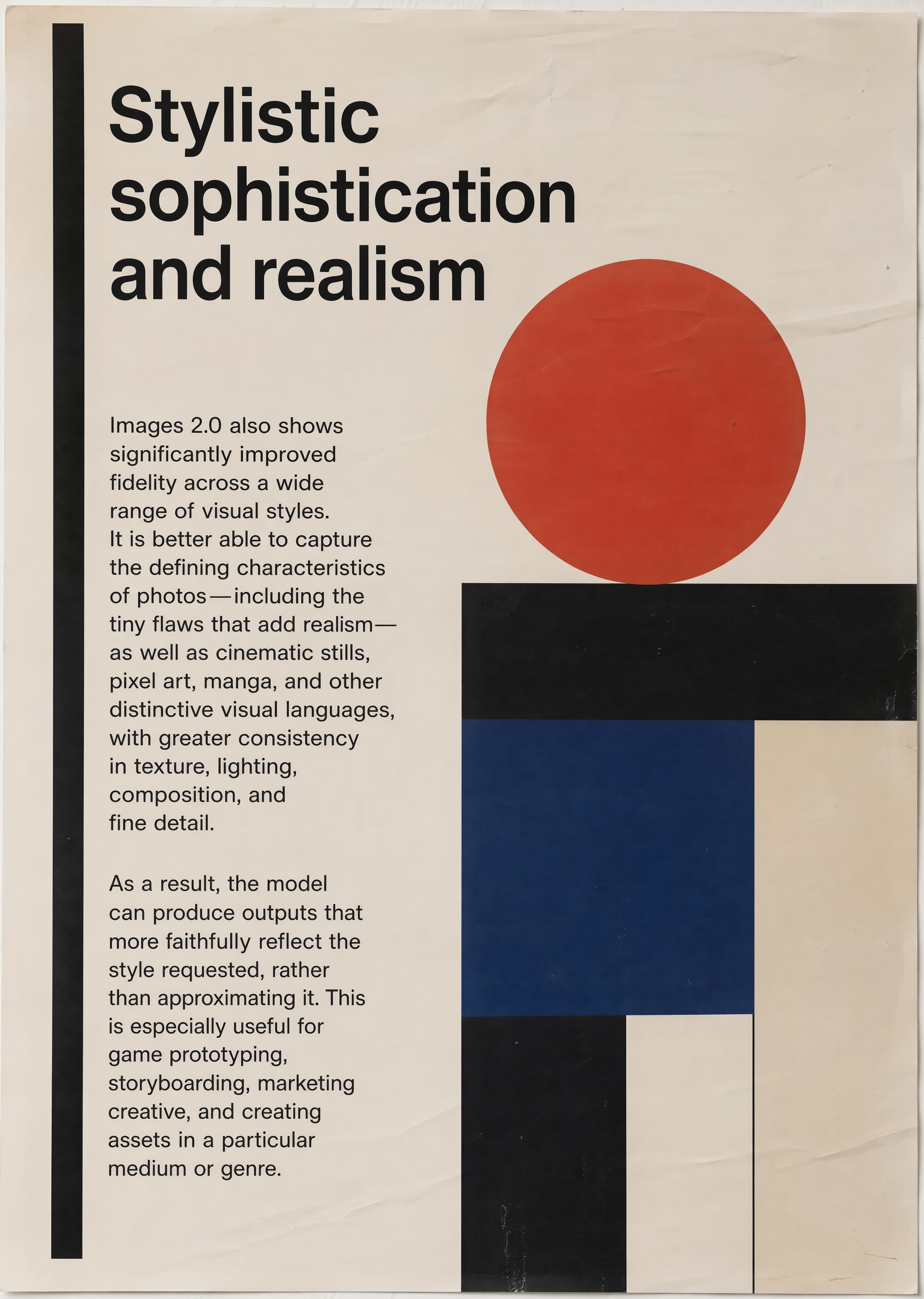
Teams adopt GPT Image 2 to ship faster with stronger visual consistency, while gpt-image-2 workflows keep every draft tied to business purpose.
Marketing teams test the first visual language of a launch, then refine the strongest direction into banners, posts, thumbnails, and ad variants.
Education teams convert dense material into posters, diagrams, and summary visuals that are easier to scan, teach, translate, and reuse.
Creators use gpt-image-2 production flows to keep weekly output consistent. One narrative can become cover art, in-post visuals, and promotional images with less manual repackaging.
Product teams test packaging, merchandising, storefront, and product-story concepts before costly production. The chatgpt image 2 workflow is useful for fast stakeholder feedback loops.
You decide which references enter the studio, what gets saved to your gallery, and which generated assets move into production. Your prompts, uploads, and outputs are treated as your workspace, not as public creative inventory.
For teams, review flow stays practical: login, credits, file storage, gallery publishing, and admin review are built around controlled production rather than random public sharing.
FAQ
Practical answers for GPT Image 2, chatgpt image 2, and production workflows.
The GPT Image 2 browser studio includes account credits, gallery history, and production-ready downloads.