Seedance 2.0
Seedance 2.0 brings text, image, audio, and video references into one cinematic AI video workflow.
Multimodal direction, one prompt surface
Seedance 2.0 works best when references, motion notes, audio cues, and final delivery settings are shaped together before generation starts.
Use the reference image for character identity, follow the reference video for motion, keep audio synchronized, and generate a continuous cinematic shot with realistic lighting and stable camera movement.
Seedance 2.0 workflow
Assemble references
The workflow starts from clear reference intent: visual identity, motion, voice, texture, or scene continuity.
Direct the camera
Prompts work best when they state lens movement, performance, lighting, pacing, and physical constraints.
Choose output mode
Use standard mode for fidelity or fast mode when exploration speed matters more.
Review like footage
Evaluate continuity, audio timing, body motion, and whether the result can move into editing.
Why Seedance 2.0 matters
Unified multimodal input
The model supports text, image, audio, and video references in a single planning flow.
Director-level control
Creators can specify performance, shadow, camera movement, rhythm, and scene transformation.
Audio-video generation
The system is positioned for synchronized motion and sound rather than silent clips only.
Reference editing
The model is useful when a shot must follow existing material without losing creative direction.
Cinematic delivery
The model targets advertising, film, social, and branded content with production-minded output.
Fast iteration path
Fast mode helps teams explore multiple directions before choosing a final cut.
Seedance 2.0 demo directions
These visual references keep real video assets on the page so users can inspect what this style of prompt is trying to produce.
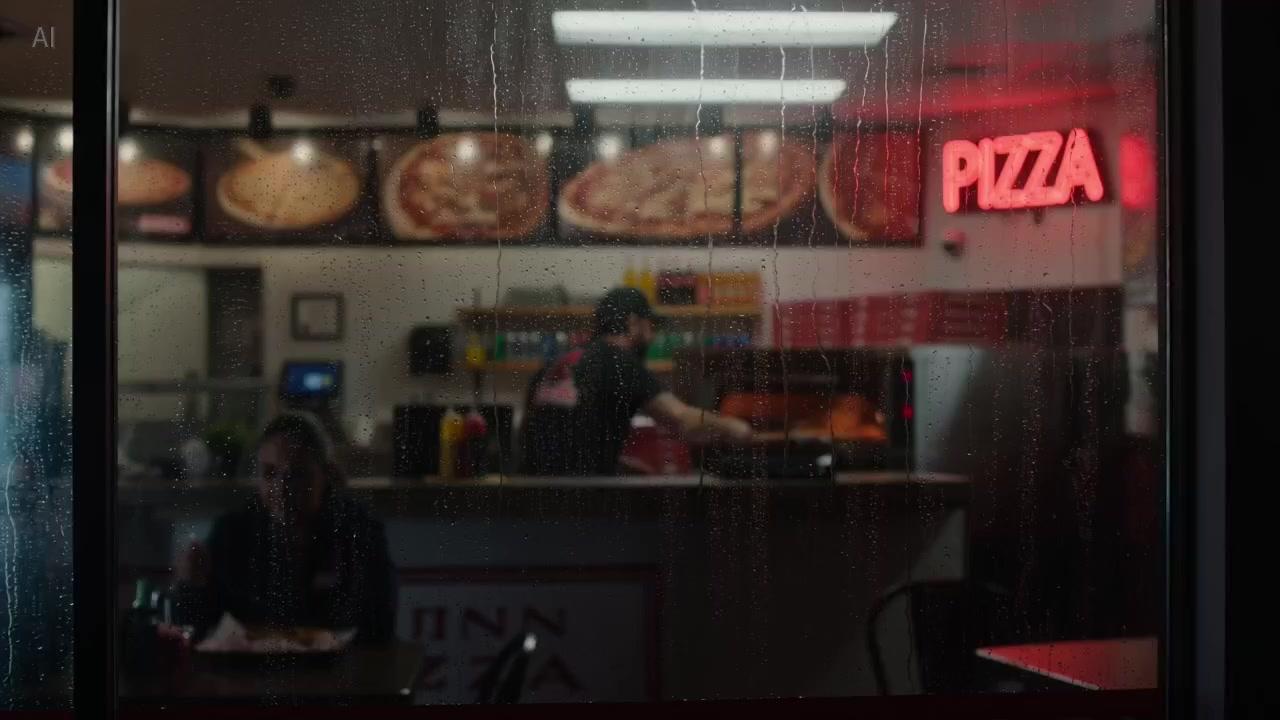
Continuous shop sequence
A single-shot Seedance 2.0 prompt focused on warm performance, camera push, and natural handoff timing.
MP4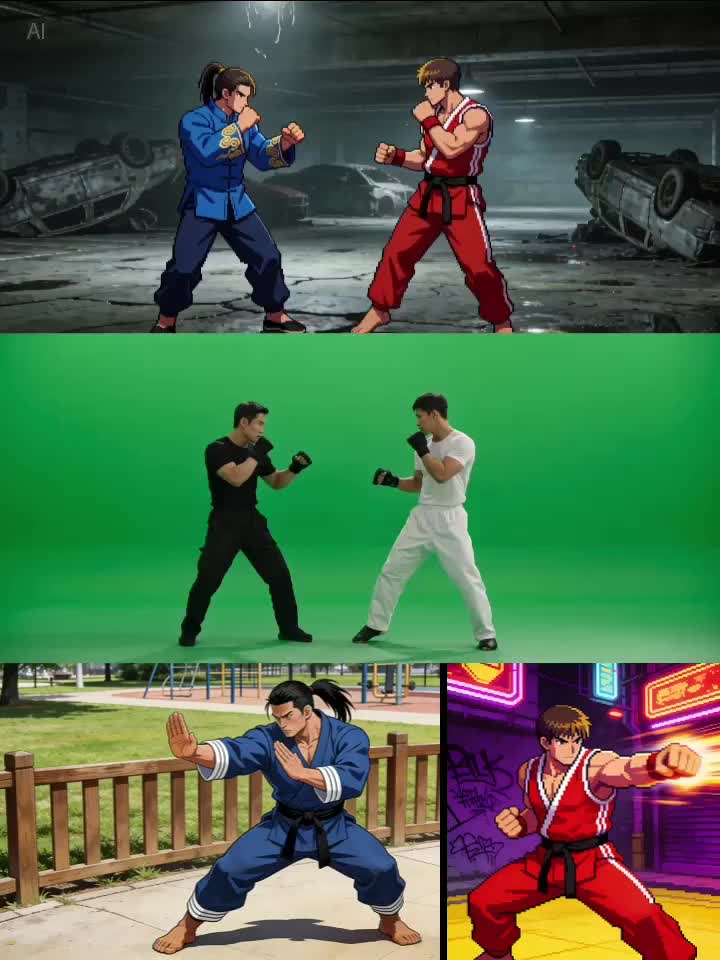
Multimodal action control
A reference-led Seedance 2.0 direction that combines character images with motion from a video source.
MP4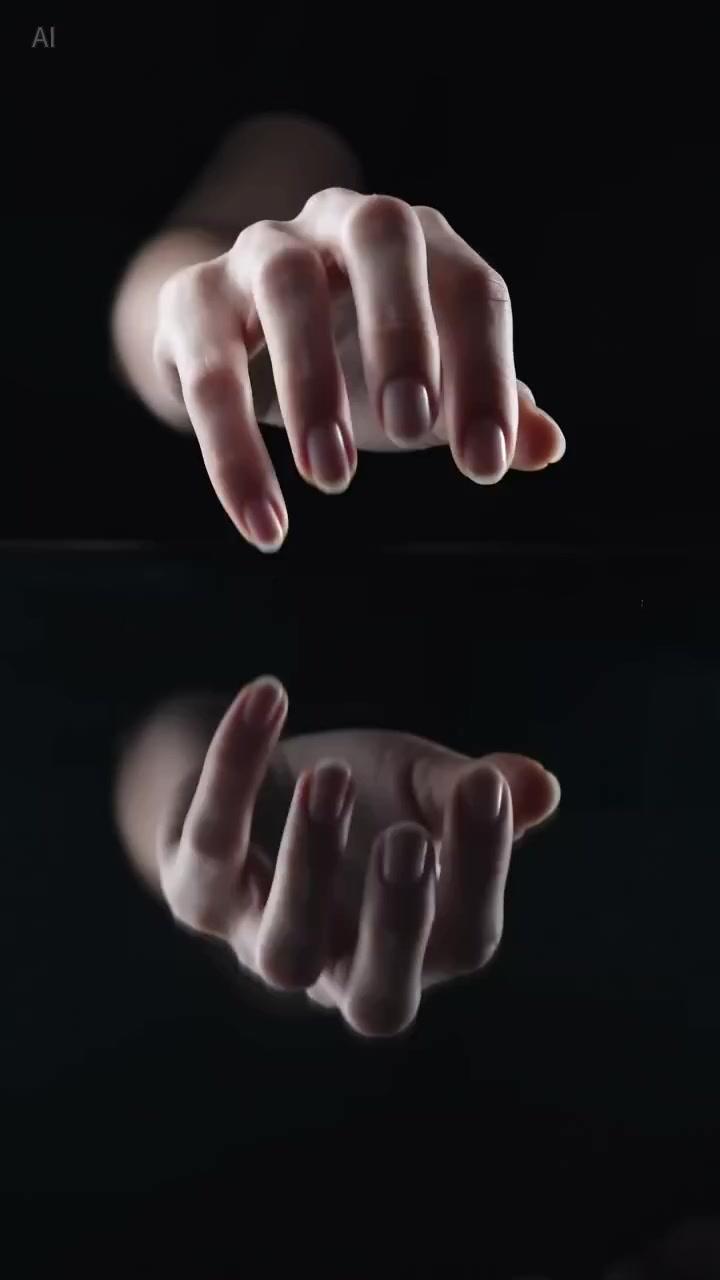
Macro audio texture
A vertical Seedance 2.0 ASMR-style prompt balancing product detail, audio texture, and lighting.
MP4Seedance 2.0 guide for production teams
Seedance 2.0 is best understood as a planning surface for multimodal video, not a one-line prompt box. A strong Seedance 2.0 workflow defines the purpose of the shot, the material references, and the review criteria before any render begins. That matters for teams because video work has more failure points than image generation: motion, continuity, sound, pacing, and subject consistency all need to survive together.
A practical Seedance 2.0 prompt starts with the story beat, then adds camera language, then adds reference rules. Instead of asking Seedance 2.0 for a vague cinematic result, tell it what should move, what should stay stable, how the lens travels, and which reference controls identity or timing. This turns Seedance 2.0 from a novelty into a repeatable creative system.
The strongest Seedance 2.0 use cases are the ones where multiple inputs reduce ambiguity. A product image can hold identity, an audio clip can define rhythm, and a source video can guide movement. When those inputs are named clearly, Seedance 2.0 has a better chance of producing footage that feels directed rather than accidental.
Teams should treat Seedance 2.0 fast mode as an exploration lane and standard mode as a review lane. Early fast drafts help find composition, energy, and motion language. Once the direction is clear, Seedance 2.0 standard output is easier to judge against brand, story, and campaign requirements.
For SEO intent, this Seedance 2.0 page answers what the model does, what inputs it supports, why multimodal references matter, and how creators should evaluate AI video quality. That gives search users more than a thin landing page and gives production users a clearer path from idea to usable footage.
Seedance 2.0 FAQ
What is Seedance 2.0?
Seedance 2.0 is a ByteDance AI video generation model built around multimodal reference control for text, image, audio, and video inputs.
How is Seedance 2.0 different from older video models?
It emphasizes unified references, audio-video generation, and more explicit direction over performance, lighting, camera, and motion.
Can Seedance 2.0 use images and videos as references?
Yes. The model is designed around reference-guided creation, including visual identity, motion, and scene continuity.
When should I use fast mode?
Use fast mode when you need more Seedance 2.0 drafts quickly before spending review time on a final direction.
Is Seedance 2.0 useful for marketing videos?
Yes. It fits ads, product explainers, campaign visuals, and social clips that need directed motion.
How should teams plan a Seedance 2.0 integration?
Start with the Seedance 2.0 prompt structure, reference rules, and review workflow, then connect the generation API once product requirements are fixed.
Seedance 2.0
Seedance 2.0 brings text, image, audio, and video references into one cinematic AI video workflow.